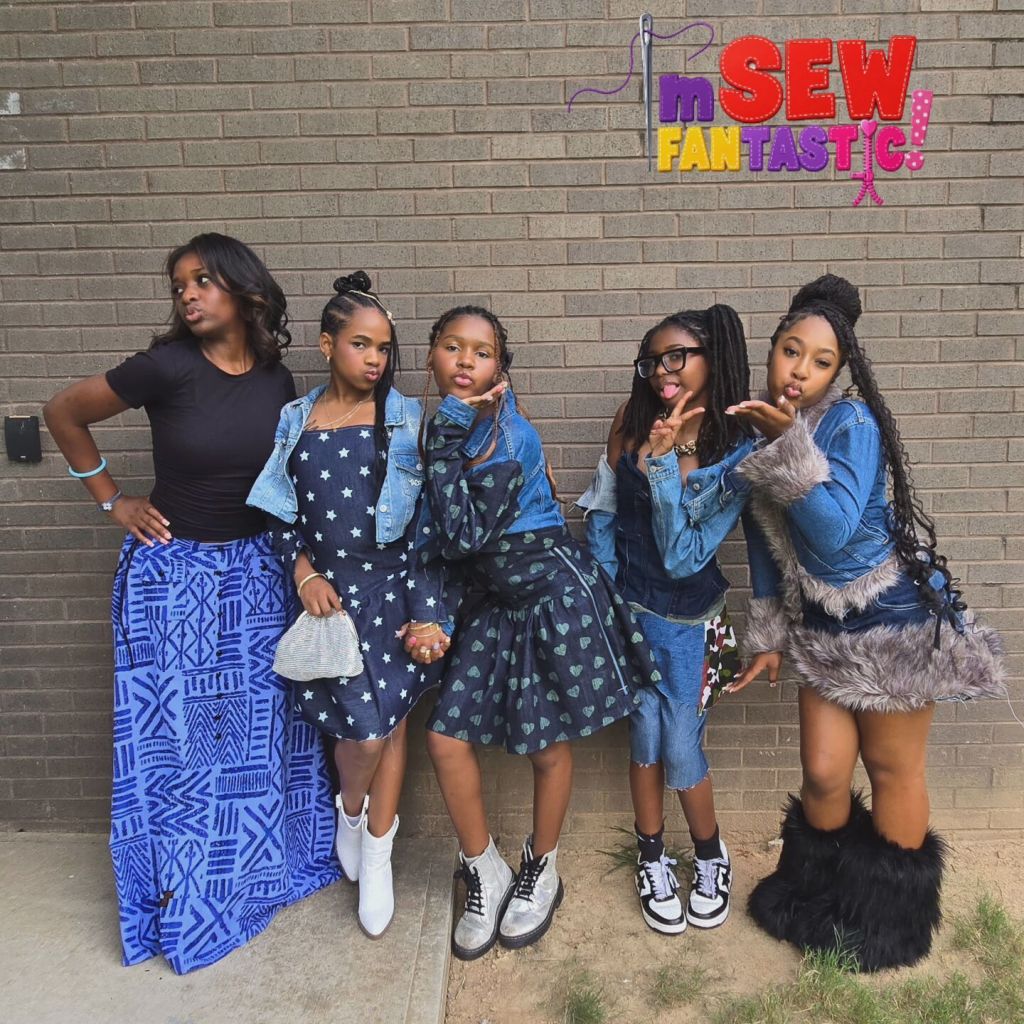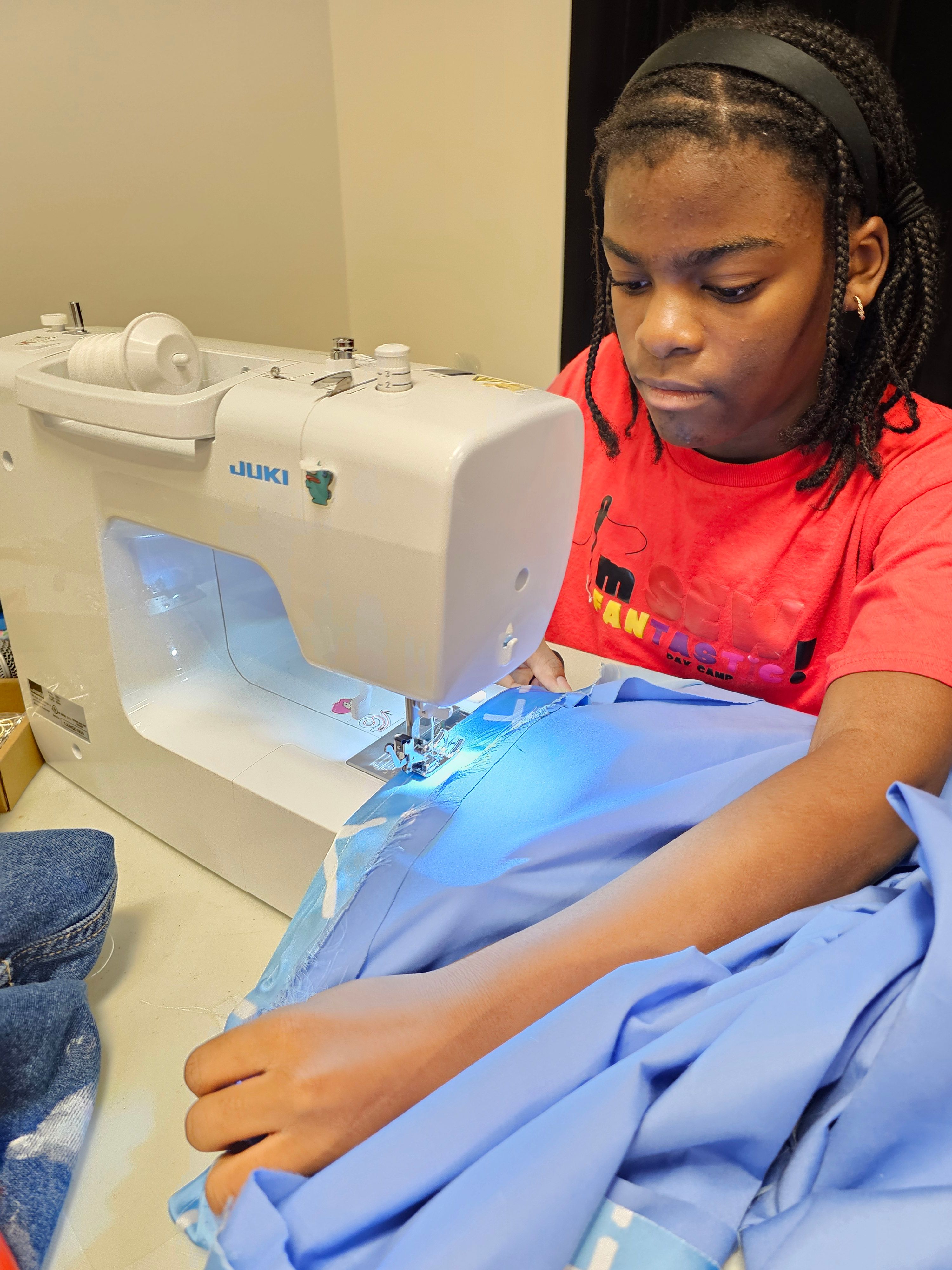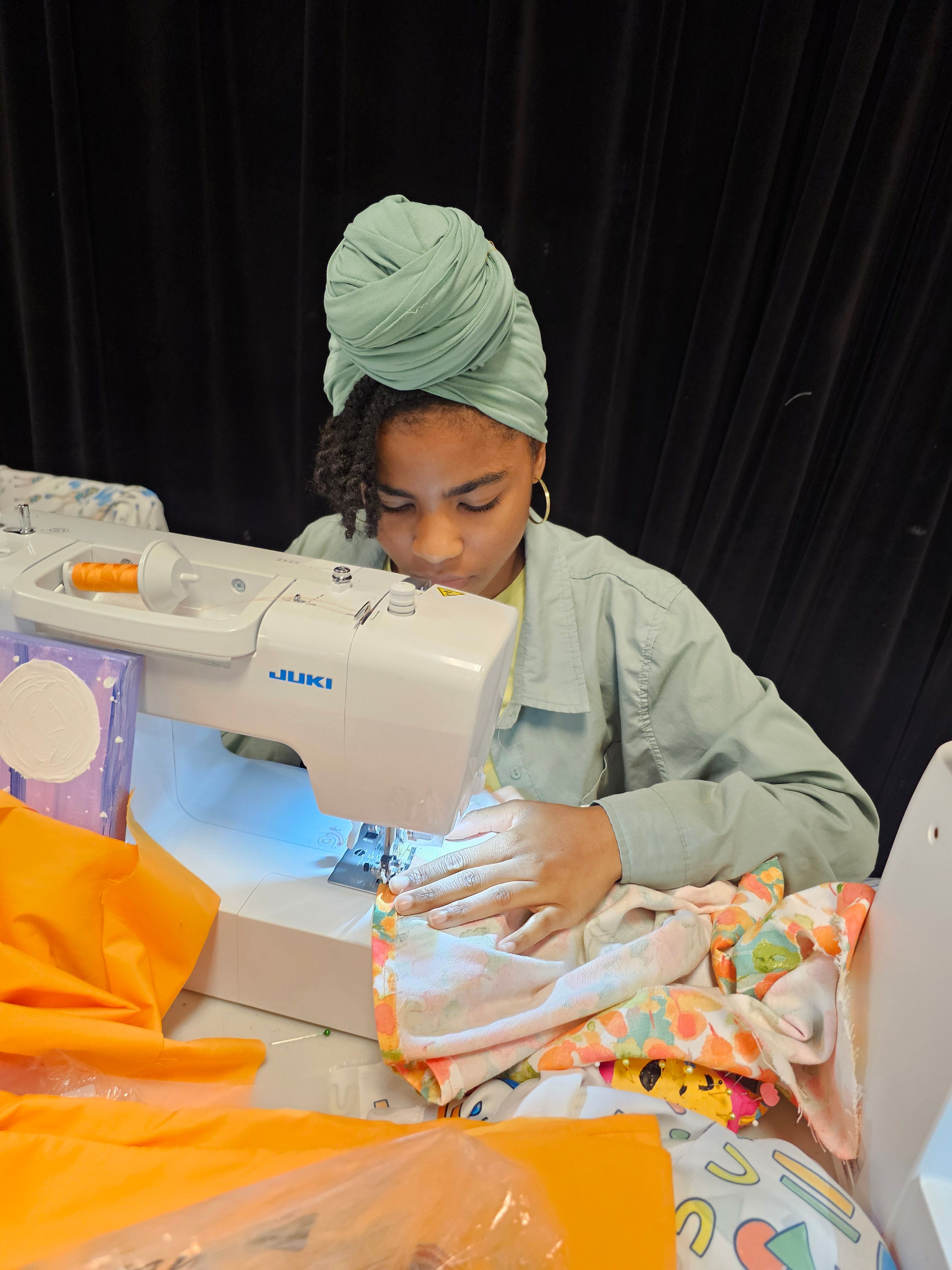
There is something unique about sewing with denim. It’s sturdy, familiar, and full of possibilities, whether you’re hemming your favorite jeans, adding topstitching to a jacket, creating a bag, or repurposing an old pair of jeans into something completely new.
But before you put denim under the presser foot, it helps to give your machine the right setup.
Denim can range from lightweight and flexible to thick and rigid, and the number of layers you’re sewing can change the experience just as much as the fabric itself. Choosing the right needle, thread, presser foot, and throat plate can help you create a smoother sewing experience and more consistent stitches. So, before we look at the JUKI machines in our lineup, let’s start with the basics of getting ready to sew denim.
Start With the Right Needle
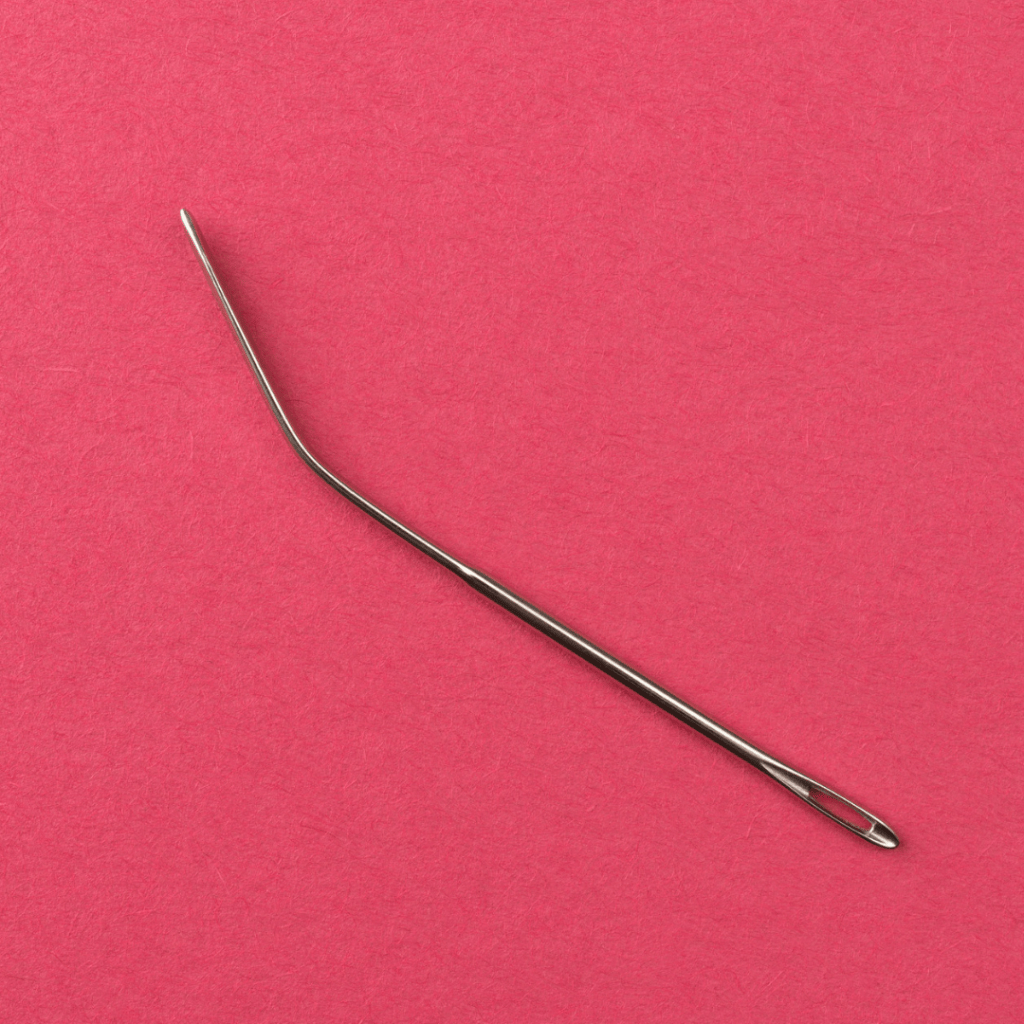
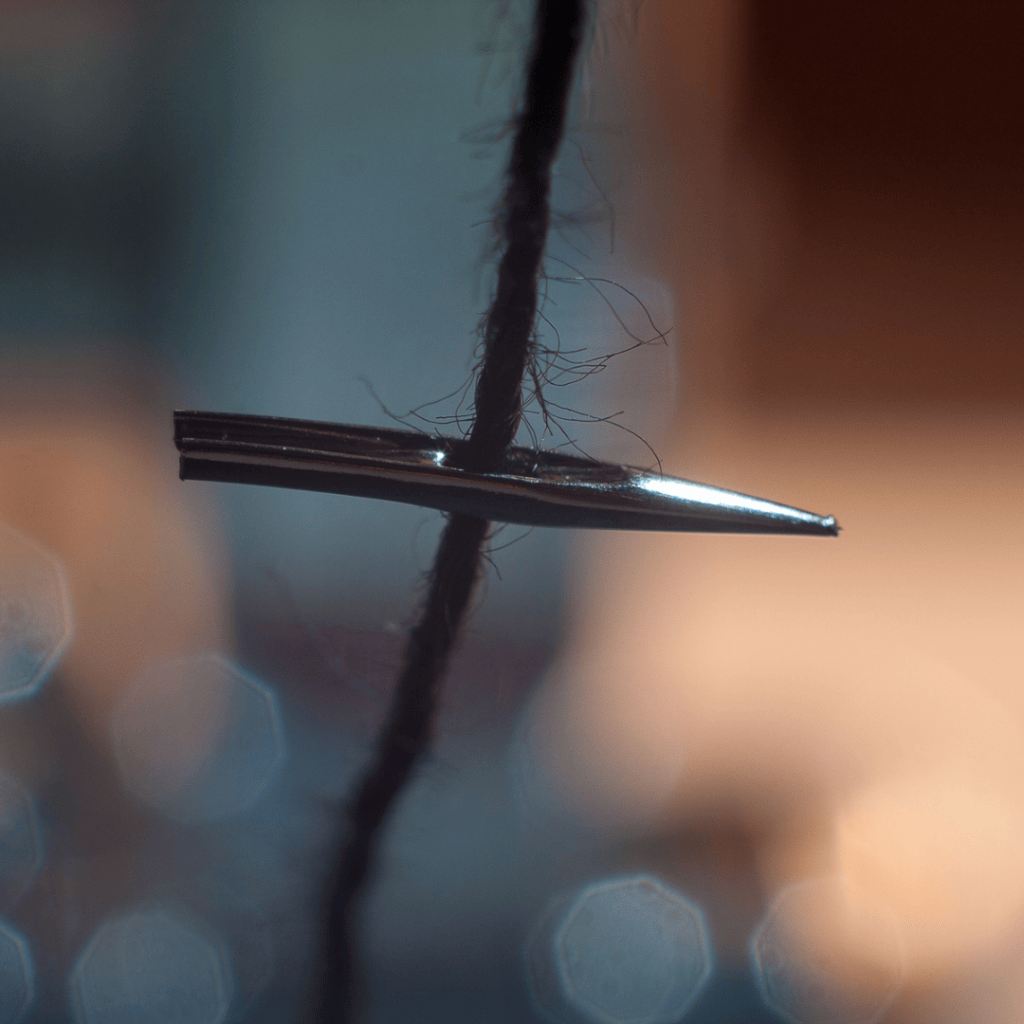
When sewing denim, your needle is one of the first things to consider. A needle that is too small for the fabric or thread can bend or break, while choosing a needle appropriate for the weight of your denim gives it a better chance of moving cleanly through the fabric. JUKI’s HZL-HT740 manual, for example, lists a 90/14 needle for medium-weight denim and a 100/16 needle for heavier denim. It also recommends testing your needle and thread combination on a small piece of the actual fabric before beginning your project.
That test is helpful because not all denim is the same. A lightweight denim shirt and several layers of heavyweight jeans can require very different setups. A good place to start is with a fresh needle appropriate for the weight of your denim. If you’re working with particularly heavy denim or several layers, you may need to move to a larger needle size.
And if you’re sewing with heavier topstitching thread, remember that the needle needs to accommodate the thread as well!
Match Your Thread to the Project
Thread can change both the way your machine sews and the final look of your project. For construction seams, a thread appropriate for your fabric weight is a good starting point. At JUKI, we recommend using polyester thread with synthetic materials and cotton thread with natural woven fabrics. If you’re using heavier fabrics, that generally call for thicker threads and needles. We recommend using the same thread in the needle and bobbin and testing the combination on your fabric first.
Then there is the fun part: topstitching. That thread is one of the details that makes denim instantly recognizable. A traditional golden-brown topstitch can give a project that classic jeans-inspired finish, while a contrasting color can make the stitching part of the design.
If you choose a heavier topstitching thread, make sure your needle is appropriate for that thread and test the combination before moving to your finished project. The goal is not simply to choose the thickest thread you can find. It’s to create a combination that works comfortably with your fabric, needle, and machine.
Choose the Right Presser Foot
The presser foot helps hold your fabric in place while it moves through the machine, so it’s another part of your denim setup worth considering. For a straightforward denim seam, your standard presser foot may be all you need. As your project gets thicker, however, the way the presser foot interacts with the fabric becomes more important.
Multiple layers can create uneven areas where one part of the project is thicker than another. Think about sewing across a folded hem or where several denim seams intersect. This is where features like our presser-foot pressure adjustment, additional presser-foot lift, or a foot designed to help feed multiple layers can become useful, depending on your machine.
The important thing is to choose the foot for the sewing task rather than assuming that denim always requires one particular presser foot.
What About the Throat Plate?
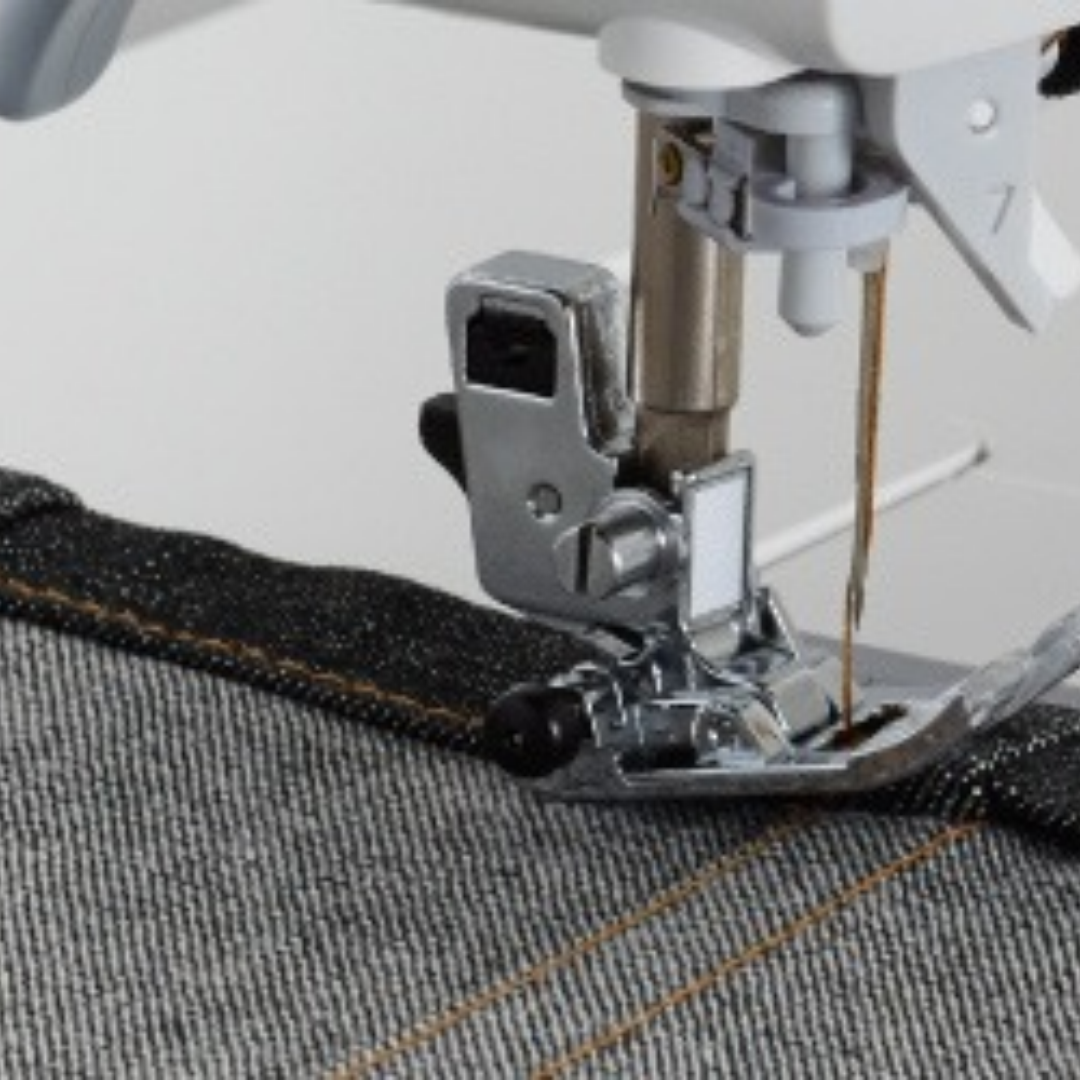
The throat plate is another part of the setup that is easy to overlook. For general sewing, you can usually use the standard throat plate that came with your machine. When you’re doing straight stitching, however, a straight-stitch throat plate or single-hole configuration can provide more support around the needle.
This is helpful when beginning a seam close to the edge of your fabric. A smaller needle opening helps keep the fabric from being pushed down into the opening as the needle begins stitching.
Some JUKI machines use a dedicated straight-stitch throat plate, while others have a different way of creating a smaller needle opening. For example, our HZL-DX7 uses a Straight Stitch Slide Plate that switches to a single needle hole. The DX-4500QVP, on the other hand, includes a Straight Stitch Throat Plate and Straight Feed Dog among its standard accessories. The TL Series throat plate can be changed to a Throat Plate for Thick Fabric. Please note that not all JUKI machines have the capabilities mentioned. Check your manual for more details.
Give Thick Seams Some Extra Attention
Sometimes the denim itself is not the biggest challenge. It’s the place where several layers come together. A jeans hem, pocket corner, belt loop, or overlapping seam can create a pretty tall stack of fabric. When you reach one of these areas, slowing down and allowing the machine to move through the layers can help you maintain a more even stitch.
Presser-foot pressure can also matter when fabric thickness changes. The HZL-HT740, for example, has adjustable presser-foot pressure, allowing the pressure to be adjusted according to fabric thickness.
The TL-18QVP takes a different approach, however, with its float function, which allows the presser foot to sit slightly above the material. It’s useful for sewing over those thick seams.
The important thing to remember is that you should guide the fabric rather than forcing it through the machine. Let the feed system do its job, keep your hands focused on guiding the project, and slow down when you reach a particularly bulky section.
Now, Let’s Talk About the JUKI Machines
Once your denim is prepared, the next question is naturally about the machine itself. Let’s talk about four JUKI machines that approach sewing differently: the HZL-DX7, HZL-HT740, TL-15 and TL-18QVP, and DX-4500QVP. Each one brings something different to the sewing table, so let’s take a closer look.
HZL-DX7
The HZL-DX7 is capable of handling heavy-weight fabrics and is specifically good for making jeans. You’ll find the feature for adjustable presser-foot pressure is extremely useful, while the machine’s Straight Stitch Slide Plate provides you a single needle-hole configuration for straight stitching.
That makes the DX7 a natural fit for sewists who want to take on denim while still having the flexibility for a wide range of other projects. Whether you’re working on jeans, a denim jacket, or another project that combines sturdy fabric with detailed stitching, the DX7 gives you room to explore.
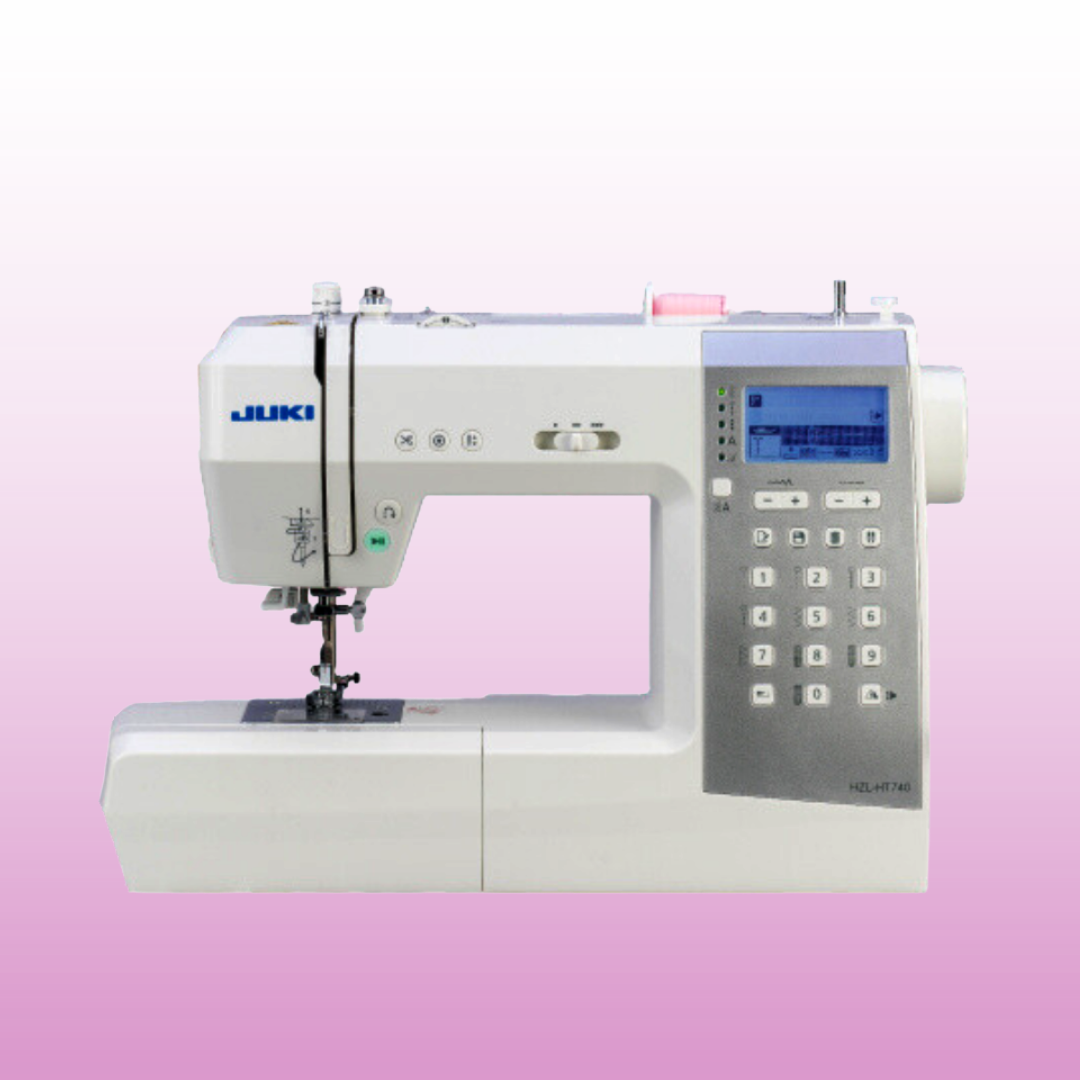
HZL-HT740
The HZL-HT740 brings a compact computerized approach to heavier fabrics. While small, you can create with denim, as long as you’re using the right configuration. With a 90/14 needle for medium-weight denim or a 100/16 needle for heavier denim, the possibilities are endless. The machine also features adjustable presser-foot pressure and is designed to make starting on thick fabrics easier.
Now, denim can be part of that creative mix. One project might call for a lighter denim, while another might involve heavier material or multiple layers. Being able to adjust the presser-foot pressure gives you another way to fine-tune how the machine works with the fabric.
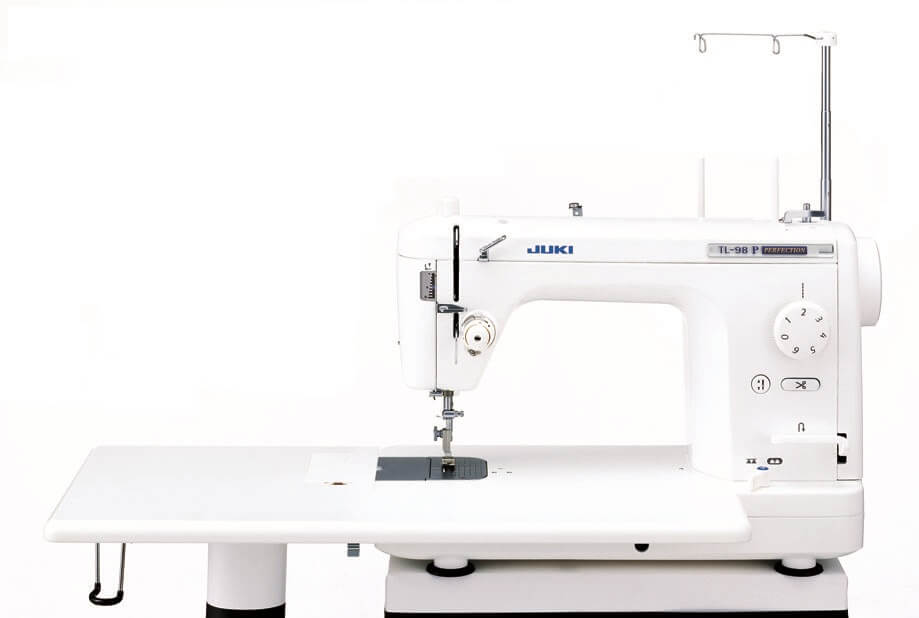
TL-15 and Haruka TL-18QVP
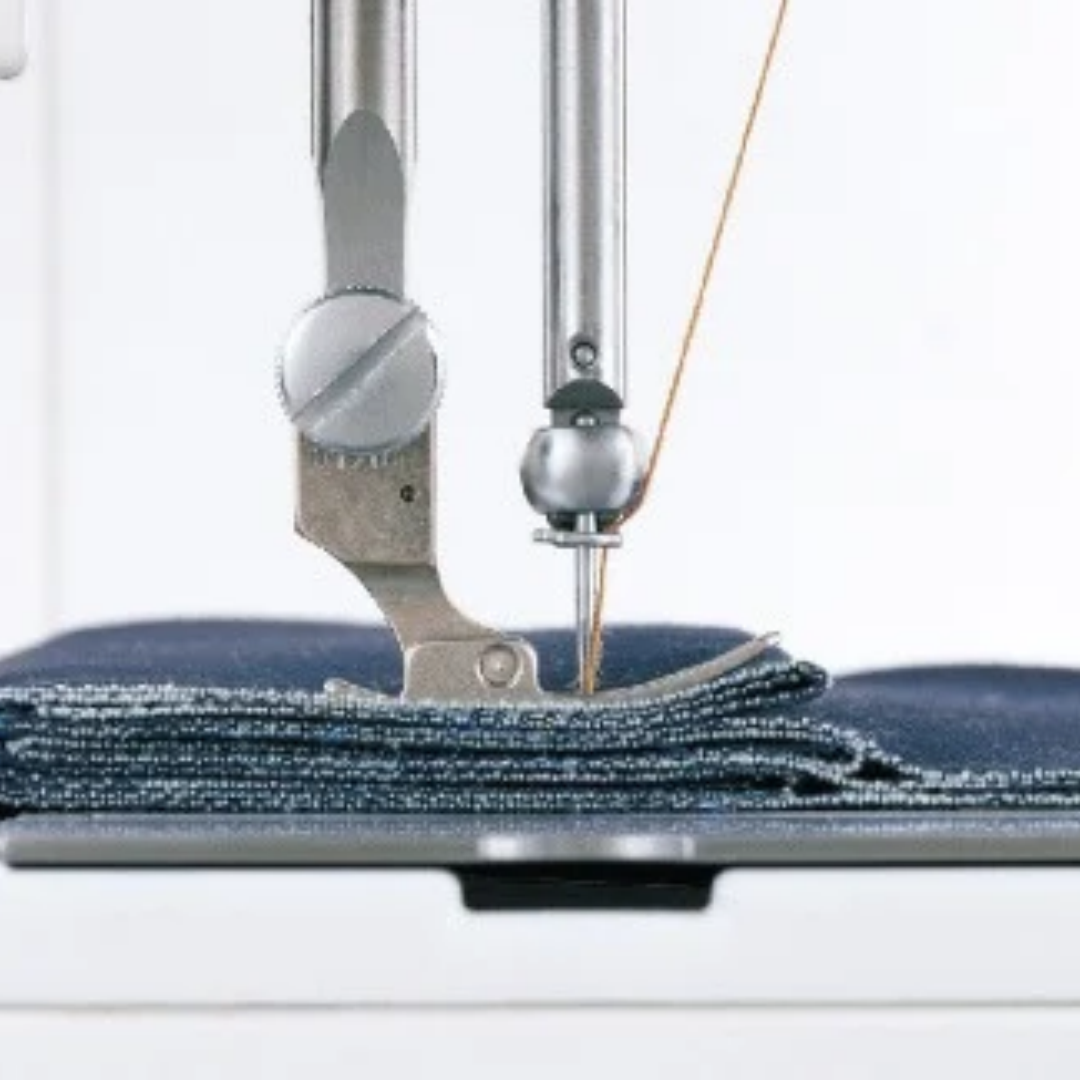
When denim projects start moving toward heavier materials and multiple layers, the TL series deserves a closer look.
The TL-15 is a single-needle, lockstitch machine designed for professional-quality sewing, with stepless presser-foot pressure adjustment and a float function. Using the float function, you can move the presser foot to sit 0 to 2 mm above the material and sew over thick seams.
The TL-18QVP also includes an Even Feed Foot, allowing you to easily feed multiple fabric layers from both the top and bottom, which can be useful when working with layered projects.
The TL machines can be a natural choice for sewists whose projects regularly move into heavier-material territory, where consistent feeding and control become increasingly important.
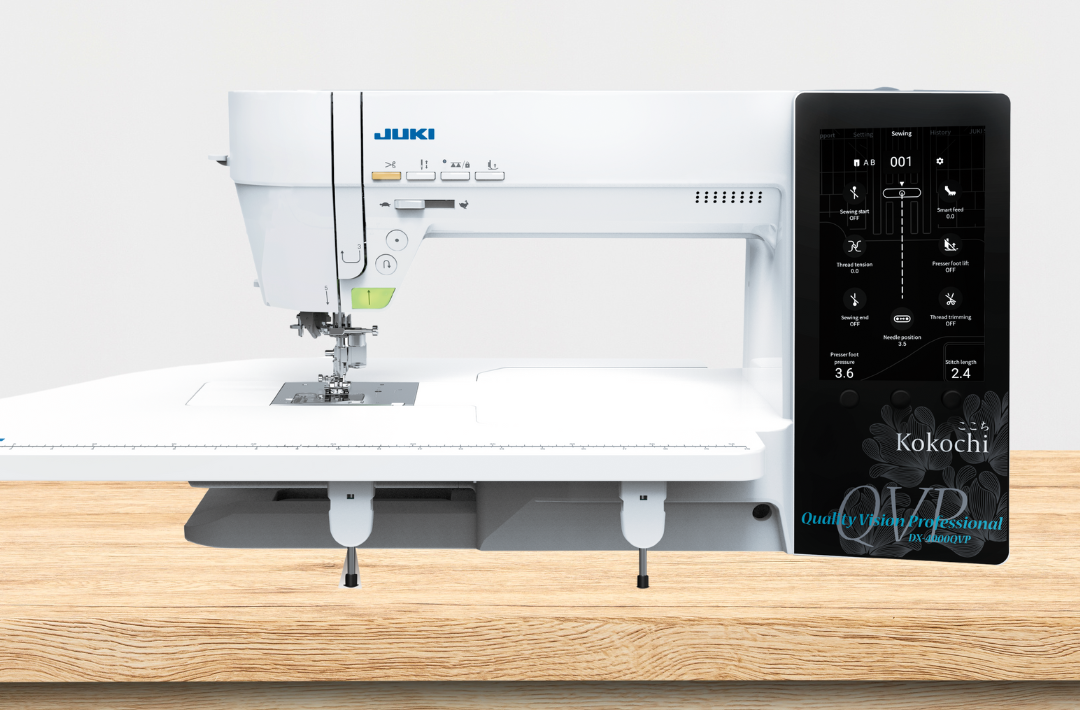
Hayate DX-4500QVP
The DX-4500QVP brings another set of tools to the conversation. Rather than positioning it simply as a denim-specific machine, it makes sense to focus on the features that can help when a project includes thicker seams, uneven surfaces, or multiple layers.
JUKI’s DX-4500QVP includes adjustable digital presser-foot pressure and a mechanism designed to help prevent uneven feeding. Its included accessories also include a Straight Stitch Throat Plate and Straight Feed Dog. The machine’s presser-foot system is also designed to help when sewing across thicker areas. Using the presser dial, you can raise the presser foot slightly to help prevent uneven feeding and achieve a beautiful finish in any project.
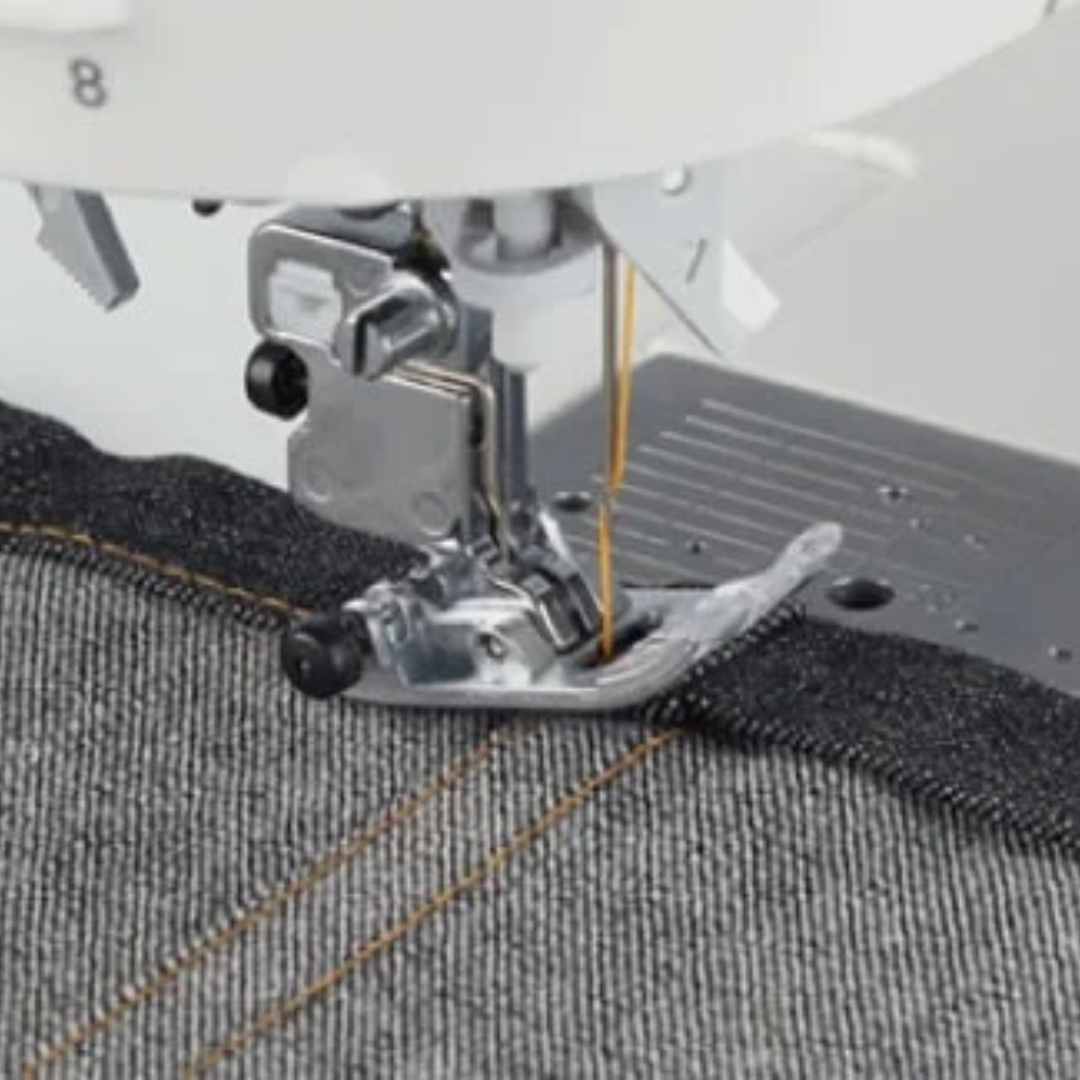
That makes the DX-4500QVP an interesting option for sewists whose denim projects are about more than simply sewing two pieces of fabric together. Think about the projects where denim becomes part of a larger creative idea: layered pieces, decorative stitching, structured projects, or designs where controlling the fabric through changes in thickness matters.
Denim Is Just the Beginning
Once you understand how to prepare for denim, the fabric becomes a lot less intimidating.
Choose a needle that matches the weight of the fabric and thread. Give your thread combination a test. Use the presser foot and throat plate that makes sense for the stitching you’re doing. Pay attention when your project moves into thicker seams and multiple layers and give yourself a test piece before beginning the final project.
Then comes the fun part. Your JUKI can help you take that sturdy piece of denim and turn it into something that is completely your own. Maybe that means giving an old pair of jeans a second life. Maybe it’s a jacket with bold topstitching. Maybe it’s a bag, a home project, or something you have never tried before.
So, can this JUKI sew denim? The better question might be: How do I set up my JUKI to sew denim?